

Fabric is moving fast, and with Ignite having taken place in November, quite some new updates and feature releases have come our way! Let’s go over the most relevant updates and see what they can mean for your Fabric projects.
Breaking SAP Barriers: increased SAP connectivity
Fabric is expanding its open connectivity vision with the introduction of two new SAP connectors. Alongside existing sources like Cosmos DB, SQL Database, BigQuery, and Snowflake, SAP connectivity has been one of the most highly anticipated additions. For organizations running on SAP, integrating this data into Fabric has long been a challenge, and these new connectors mark a major step forward.
The first connector: SAP Datasphere Mirroring (preview)
Mirroring provides near-real-time replication of SAP data (whether entire databases or selected tables) directly into OneLake. Once landed as Delta tables, the data is immediately available across all Fabric workloads. This means organizations can finally eliminate complex ETL pipelines and long wait times, gaining fast, unified access to SAP data inside Fabric.

For enterprises, mirroring means SAP data is no longer locked away in siloed systems. Instead, it becomes part of a unified Fabric foundation, ready to be used across analytics, AI, and reporting. This accelerates decision-making, reduces engineering overhead, and ensures data is always fresh and aligned with business needs. Below, we list the advantages and the disadvantages we see when working with SAP Datasphere Mirroring.
Advantages:
- Ease of integration: no need for complex ETL flows
- Compliant with SAP notes. The mirroring relies on SAP’s own replication flow and outbound integration capabilities (read more in this article)
- Fabric Compute used to replicate your data into Fabric OneLake is free and does not consume capacity. Requests for that data will consume capacity as normal OneLake consumption rates
Downsides:
- Pricing: SAP Datasphere Premium Outbound Integration pricing applies when mirroring SAP data via SAP Datasphere
- Technical dependency on SAP: Mirroring relies on SAP’s replication flows and support, tying organizations to SAP’s roadmap and responsiveness
- Preview feature: the performance is still to be investigated
The second connector: Copy Job for SAP Datasphere (preview)
SAP has also introduced a Copy Job option for Datasphere (bulk, incremental, CDC). While this offers flexibility in designing data loads, the same outbound integration licensing costs apply. For most organizations, we believe mirroring will be the preferred option due to its simplicity and near-real-time sync, unless full control over load design is required.
At last, SAP and Microsoft are introducing SAP Business Data Cloud Connect for Fabric, enabling secure, zero-copy sharing of SAP data with Microsoft OneLake. This integration will let organizations seamlessly use SAP data across Fabric’s analytics, AI, and Microsoft 365 tools without replication delays. The feature is planned to become available in 2026, so stay tuned for that one!
Seamlessly integrate SharePoint and OneDrive Files into Fabric
We are very excited to see OneDrive and SharePoint shortcuts becoming part of Fabric’s data estate. Shortcuts allow you to reference files stored in OneDrive or SharePoint directly inside OneLake, without copying or moving them. In practice, a shortcut is simply a pointer that makes external files instantly available in Fabric as if they were native data assets.
This is especially relevant because we observe that many organizations keep large amounts of information in OneDrive or SharePoint, like budgets, mappings, planning sheets, and other operational files. Until now, integrating these documents into Fabric required Dataflow Gen2, which was intensive on the Fabric capacity, cumbersome to maintain, and not real-time. As a result, teams had to integrate these files into daily batch loads, adding complexity and delay.
With shortcuts, this process is transformed. Files from OneDrive and SharePoint can now be integrated and transformed in real time into Fabric, eliminating the need for complex pipelines and scheduled refreshes. Organizations can seamlessly include these everyday business files in their Fabric data estate, making them immediately available for analytics, reporting, and AI workloads.
Your Intelligent Platform with Fabric IQ
Over the past two years, Fabric has evolved from analytics to a full data platform and now, with Fabric IQ, into an intelligence platform. This marks a fundamental shift: enterprises can finally bridge the gap between raw data and business processes.
Fabric IQ is designed to close the gap between organizational data and organizational processes. Traditionally, data platforms have been excellent at storing, processing, and visualizing information, but they could not often embed true business understanding into that data. With Fabric IQ, enterprises can now overlay a semantic layer of business meaning, so both humans and AI agents can interpret data not just as numbers and tables, but as business concepts, relationships, and rules.
This is built on top of a strong data foundation, not as a replacement. The introduction of ontology is critical here. By modeling shared business entities and their interactions, organizations gain a common language across departments and systems. This enables:
- Smarter automation: AI can act on business rules with confidence
- Greater trust in AI: Because it reflects the semantics of the enterprise, not abstract data.
- Strong return on investment from previous data initiatives: your AI consistently applies unified semantics and capitalises on prior data investments to maximise value.
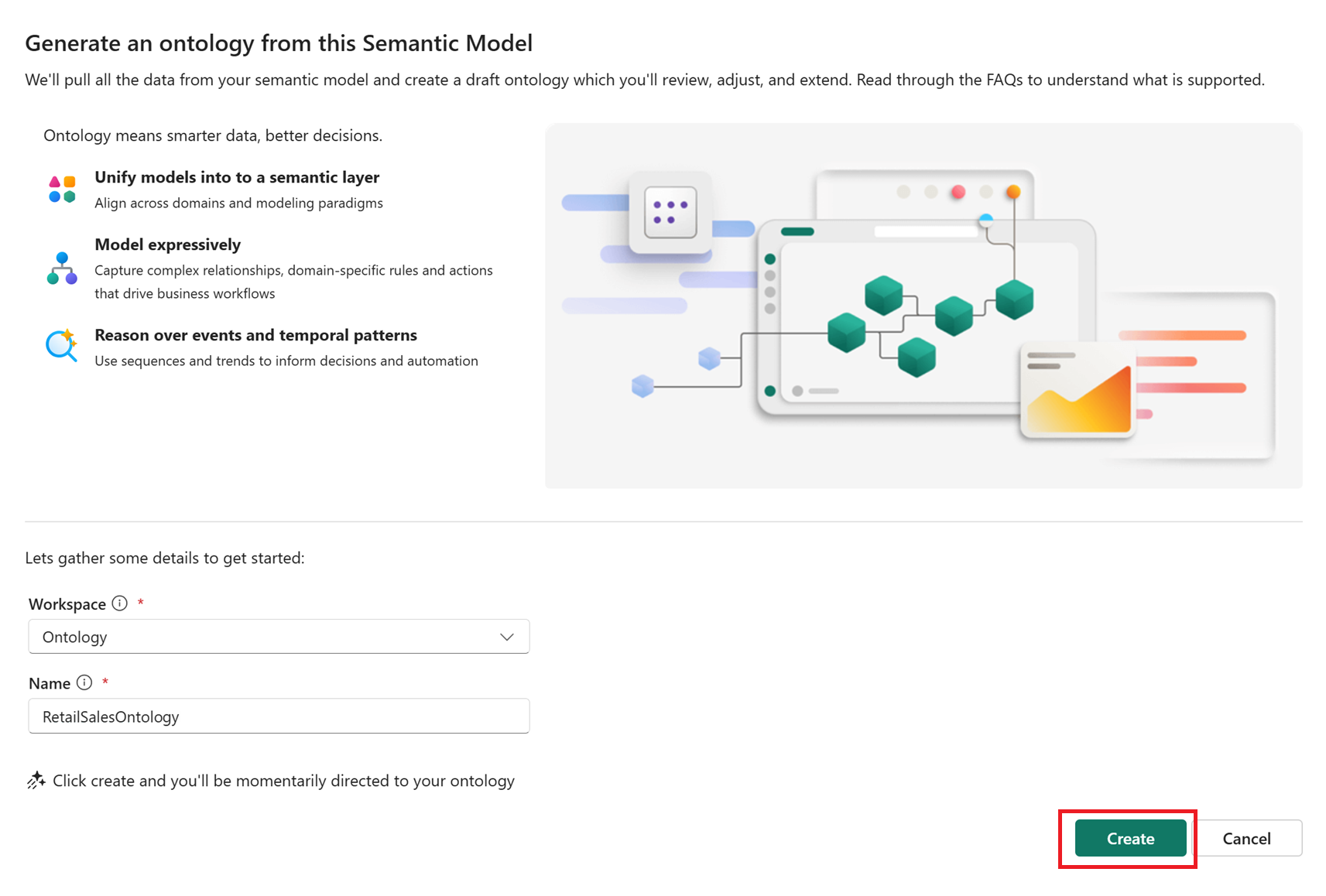
But effective use of Fabric IQ starts with thorough preparation. At element61, we believe the true power of Fabric IQ lies not only in its intelligence layer but in the foundation you build beneath it. Start early by structuring your data and reinforcing its quality: build clear models, include useful metadata, and ensure all teams use consistent definitions. Laying this foundation allows AI to deliver valuable insights tailored to your business and drive meaningful outcomes.
Talk to your Semantic Model with the Power BI MCP server
We see more developer tools coming up that can help speed up the process of data engineering with the use of AI. Recently, the Power BI MCP (Model Context Protocol) has been released, which allows AI agents to interact with and modify your Power BI semantic models using natural language. Just install the necessary extensions in Visual Studio Code, and you can talk to your semantic model.
Early tests show promising results for:
- Create, update, or optimize DAX measures
- Metadata updates: tasks like renaming columns or adding descriptions to tables, columns, and measures
- Giving an extensive report on the operations it has performed on your semantic model
In terms of security, RLS is evaluated when users are connected to the semantic model. Be careful, however, when exposing service principal-authenticated agents to end users.
By leveraging tools like Power BI MCP and AI agents thoughtfully, we at element61 believe organizations can achieve significant workflow improvements when working with semantic models and make them more accessible for end users.
OneLake security ReadWrite permissions
As more organizations adopt Microsoft Fabric and its unified data capabilities, securing all data assets becomes increasingly important. OneLake acts as the central data lake for Fabric, offering a single, secure location to manage and govern data at scale. Ensuring security within OneLake is critical to achieving this goal. To this end, we see the platform continues to evolve, adding features that enhance flexibility and control to meet the complex security requirements of today’s data environments.
OneLake security represents a significant step forward in securing your entire Fabric environment. While several promising features have already been introduced, the journey toward comprehensive, seamless security for all Fabric items continues. The recent release of ReadWrite permissions for Lakehouses is a notable milestone in this ongoing process.
With the introduction of ReadWrite permissions, Lakehouse security now offers granular write controls. Users can be granted the ability to read and write only specific data, without requiring elevated workspace roles like Admin or Member. With these roles, anyone who needed to write data also had broad permissions to manage artifacts.
IDENTITY column in Fabric Data Warehouse
The IDENTITY column in Fabric warehouse is a special type of column that automatically generates unique, incremental values for each new row inserted into a table. This feature is particularly useful for creating primary keys or surrogate keys without manual intervention. Previously, users had to manually manage unique identifiers or use alternative workarounds, which could lead to errors or inefficiencies. With the introduction of the IDENTITY column, Fabric warehouses now offer a more streamlined and reliable way to ensure each record has a distinct identifier, simplifying data modeling and improving data integrity.
We look forward to using these features with our customers and will keep an eye on how they evolve. If you need assistance or have questions, don’t hesitate to contact us.